News: Size Controls for Labels & Markers
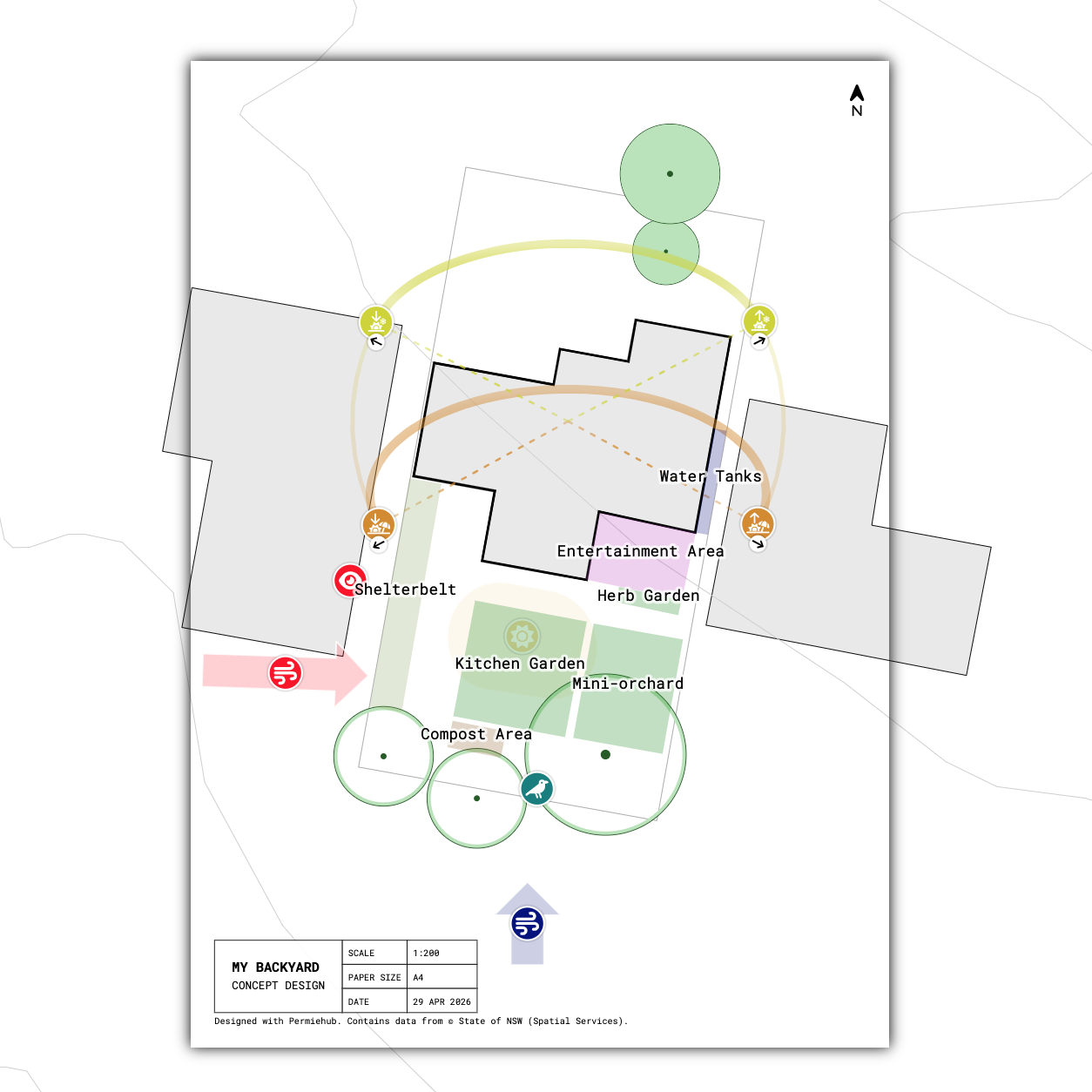
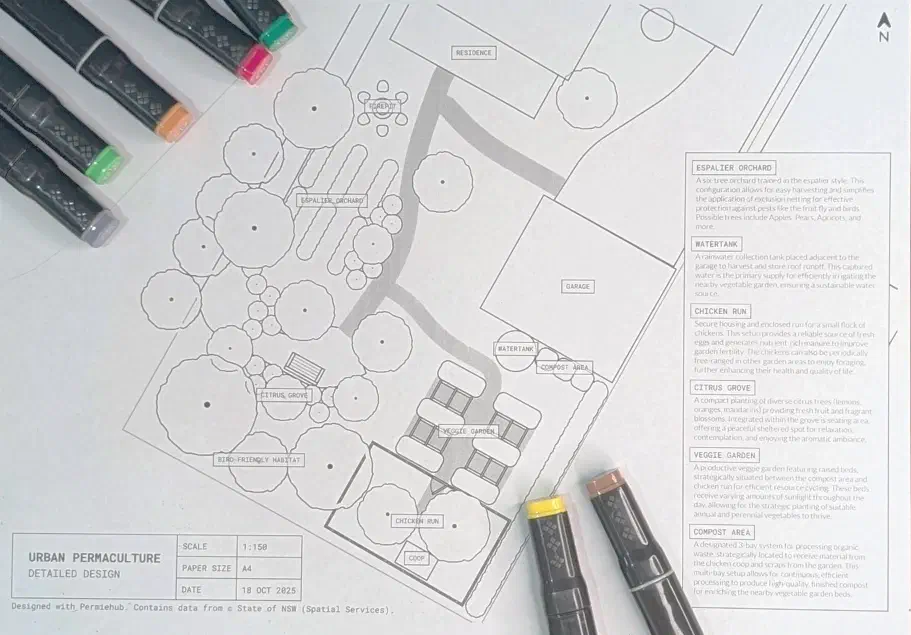
We have updated printing in Permiehub to give you greater control over how your projects look on paper. To print selected parts of your design with uniform label and marker sizes, you can now set them to an absolute dimension that remains constant regardless of scale and paper size.
Moving from a digital screen to a physical paper shouldn’t be a guessing game. You can now manually specify the size of labels and markers during the export process, ensuring your site plans are always legible and professional.
What’s improved:
- Scalable Annotations: Adjust marker and text sizes to suit your specific paper size.
- Predictable Layouts: What you see in the print preview is exactly what you get on the page.
- Clarity in the Field: Ensure labels are large enough for outdoor use without crowding your design.
How to adjust label and marker size:
Open your project and select the Download to Print tool, or press P key. Use the new Label Size and Marker Size attributes to adjust the size on paper to exact dimensions in millimetres, or fraction of an inch. Preview the result and export to PDF with confidence.